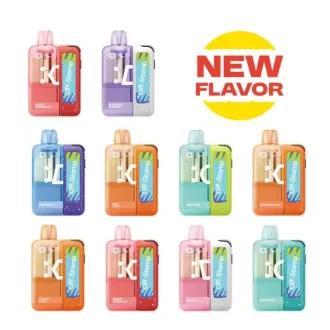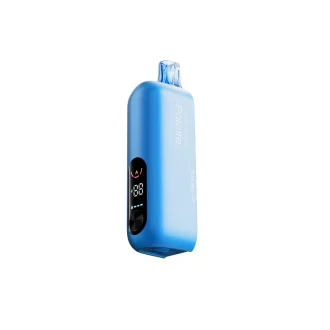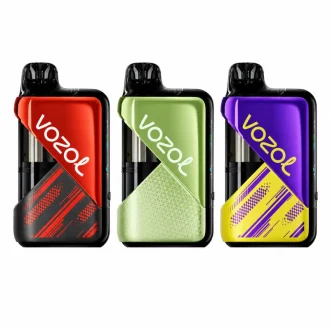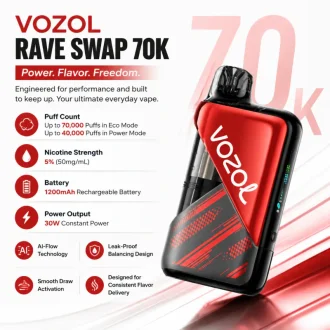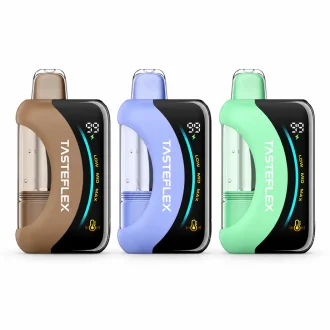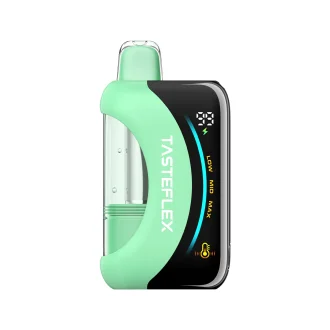
The vaping landscape in 2026 has officially moved past the “one-and-done” disposable. We are now firmly in the era of the modular ecosystem — and leading this charge are two heavyweights: the Geek Bar Mate 60K and the Foger Switch Pro 30K. Both use a “Dock + Pod” design with a magnetically removable power bank and a pre-filled pod.
The million-dollar question for vapers looking to save money and experiment with flavors: Can I actually mix and match these two brands? We put cross-brand compatibility to the test.
TL;DR — Quick Answer
✅ Compatible? Yes, fully interchangeable.
✅ Best hybrid setup? Geek Bar Mate 60K battery + Foger Switch Pro pods.
⚠️ Trade-offs? Warranty voided + Pulse Mode may slightly reduce coil life.
Hardware
1. Will They Physically Fit?
Magnetic Connection & Airflow Seal
Both systems use a side-by-side magnetic docking station. When you snap a Foger pod onto a Geek Bar Mate battery, the magnets engage with a satisfying click — sturdy, no wobble. That wobble is often the root cause of air leaks and inconsistent firing in cheaper modular systems, so this is a significant win.
Airflow alignment is standardized across both devices, so draw-activation remains responsive and tight regardless of which dock you’re using.

Cross-Brand Ecosystem
As of early 2026, Geek Bar and Foger are the two dominant players using this specific architecture. Smaller brands (AirPuff X, Vihawk Duo) have released compatible pods, but build quality isn’t yet on par with the big two.
If you see a third-party pod labeled “Universal Fit for Mate/Switch,” test it cautiously. For reliable daily use, stick with authentic Geek Bar or Foger pods only.
Performance
2. What Happens to the Screen and Modes?
Display & Data Syncing
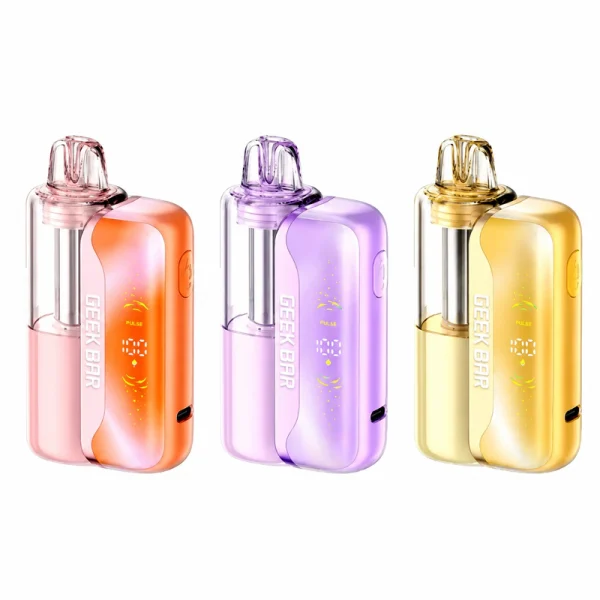
Both devices feature high-tech displays — the Geek Bar Mate has the Dynamic Galaxy UI, while the Foger Switch Pro uses a crisp OLED. When you attach a Foger pod, the Geek Bar dock recognizes it immediately. Here’s what to expect:
- Battery percentage — always accurate (sourced directly from the dock).
- E-liquid level — may drift slightly with a half-used cross-brand pod, but the error margin is small enough to ignore.
Pulse Mode vs. Boost Mode
Yes — the Geek Bar battery will push extra voltage into a Foger pod in Pulse Mode, delivering intensified flavor and thicker vapor. However:
Foger’s 1.2Ω mesh coil wasn’t tuned for Geek Bar’s Pulse voltage curve. You may lose the last 1–2mL of juice to muted flavor or a burnt taste. Use standard mode when mixing brands for maximum pod life.
🔋 Battery Capacity Comparison
In real-world blind tests, no one could tell which dock was powering the same pod. The 50mAh difference only affects total puffs before recharging — not hit intensity. Choose your dock based on screen preference, not battery size.

Value
3. Which Setup Saves You More Money?
Replacement Pod Cost
| Brand | Pod Capacity | Avg. Price (USD) | Cost per mL |
|---|---|---|---|
| Geek Bar Mate | 15 mL | $15.99 | $1.07 / mL |
| Foger Switch Pro | 19 mL | $14.99 | $0.79 / mL ✓ |
Foger pods are cheaper per milliliter and offer 60+ flavors including the popular “Cupcake” dessert series — compared to Geek Bar’s 25–30 core options.
Battery Replacement Strategy
Juice Capacity vs. Puff Efficiency
The answer is a clear yes. Attaching a 19mL Foger pod to the Geek Bar dock will yield around 35,000–40,000 puffs — still excellent performance, even if not the full 60K.
Buy the Geek Bar Mate Kit for its superior 1100mAh battery and Galaxy UI. Then buy Foger replacement pods for the larger 19mL reservoir and massive flavor library. Premium hardware + cheaper per-mL juice + more choices.
Safety
4. Safety & Warranty: What’s the Real Risk?
Electrical Safety
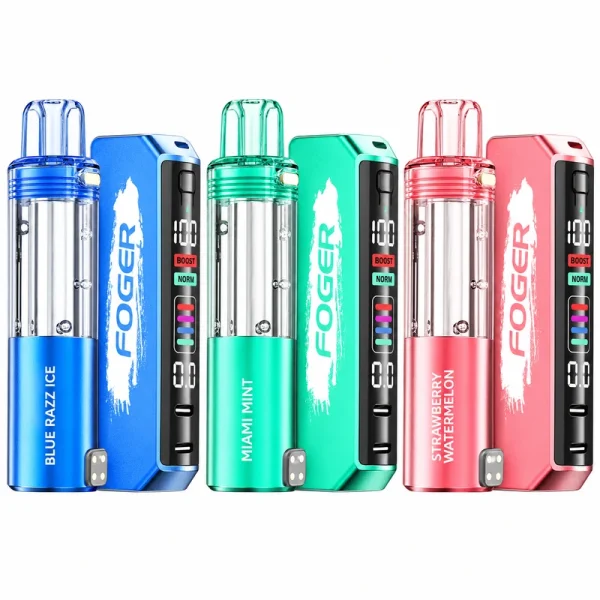
Both docks include modern chipsets with short-circuit, overcharge, and over-discharge protection. Because contact points, magnet polarity, and voltage ranges are nearly identical, the risk of overheating is extremely low — provided you’re using authentic pods.
Never use no-name pods from unverified online marketplaces. Inconsistent pin placement or poor internal soldering is where real risks begin.
Warranty Void Warning
Mixing brands technically voids your warranty. If your Geek Bar battery fails while a Foger pod is attached, the manufacturer will not cover it. Given the $20–$35 cost of a dock, most veteran vapers find the flavor freedom and savings worth the minor risk.
Inspect your gear regularly. If a pod feels unusually hot or tastes burnt early, stop using that combination immediately.

Final Verdict: The Pro-Tip Pairing
Are they really compatible? Yes. Geek Bar Mate 60K and Foger Switch Pro share the same magnetic dock DNA, making them the most versatile duo on the 2026 vaping market.
Best hybrid setup: Use the Geek Bar Mate 60K dock as your primary base — better screen, 1100mAh — and pair it with Foger Switch Pro pods for the 19mL capacity and wider flavor selection. Browse the full Geek Bar range to compare Mate docks and pods.
✅ Quick Checklist Before You Mix
| ✓ Both pods and docks are authentic (no knockoffs) |
| ✓ You accept that warranty is void if a cross-brand pod causes dock failure |
| ✓ You avoid Pulse Mode with Foger pods to maximize coil life |
| ✓ You check for unusual heat or flavor drop-off on the first few puffs |
If those conditions are met — go ahead and mix. Your wallet and your taste buds will thank you.